May 2025
Improve Site Safety with the New Safety Tab
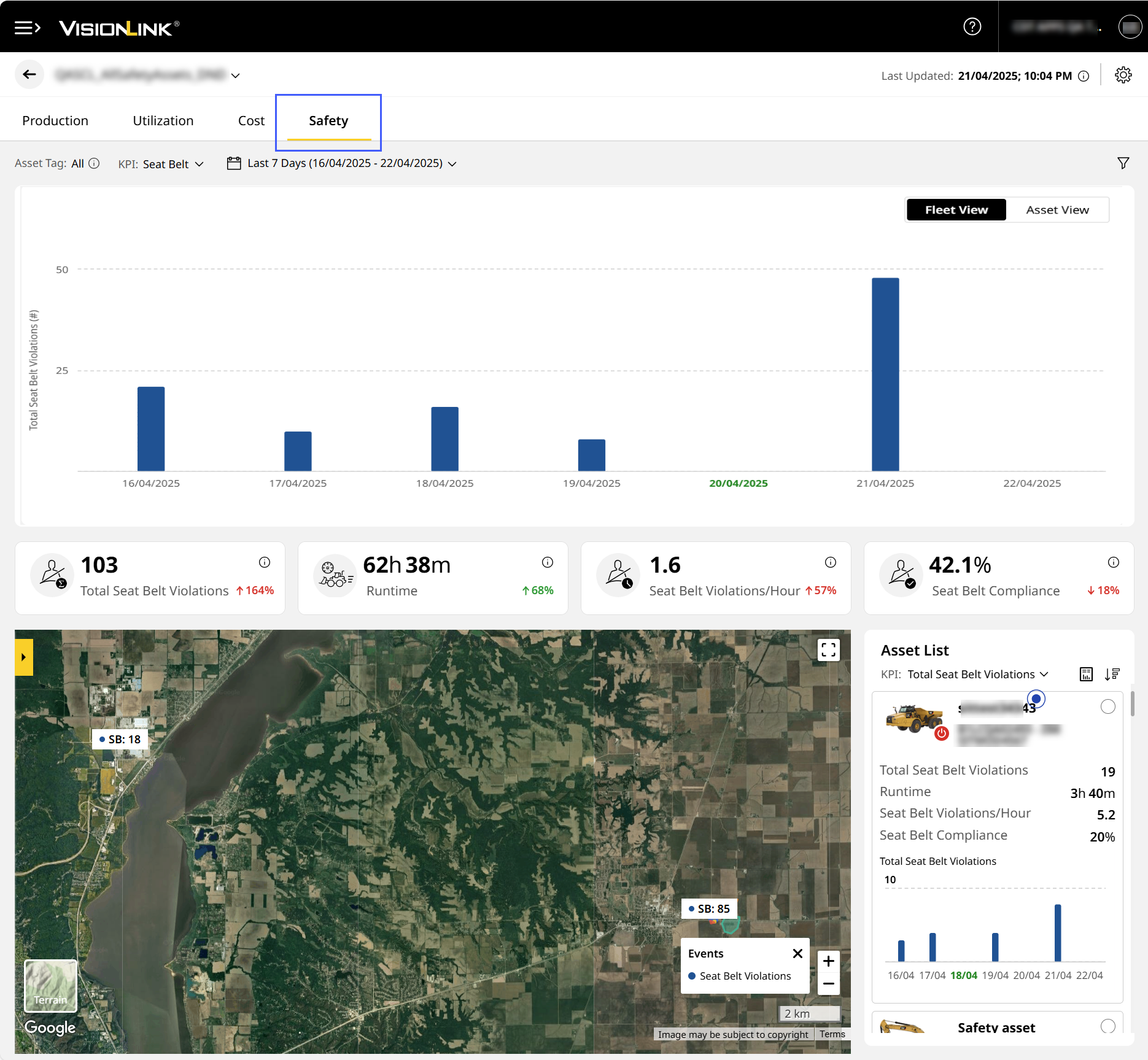
Effectively track and analyse safety-related data on the new Safety Dashboard. Access the Safety (Site) tab for a particular site by clicking Safety Summary or by navigating to it from Site Summary for detailed insights.
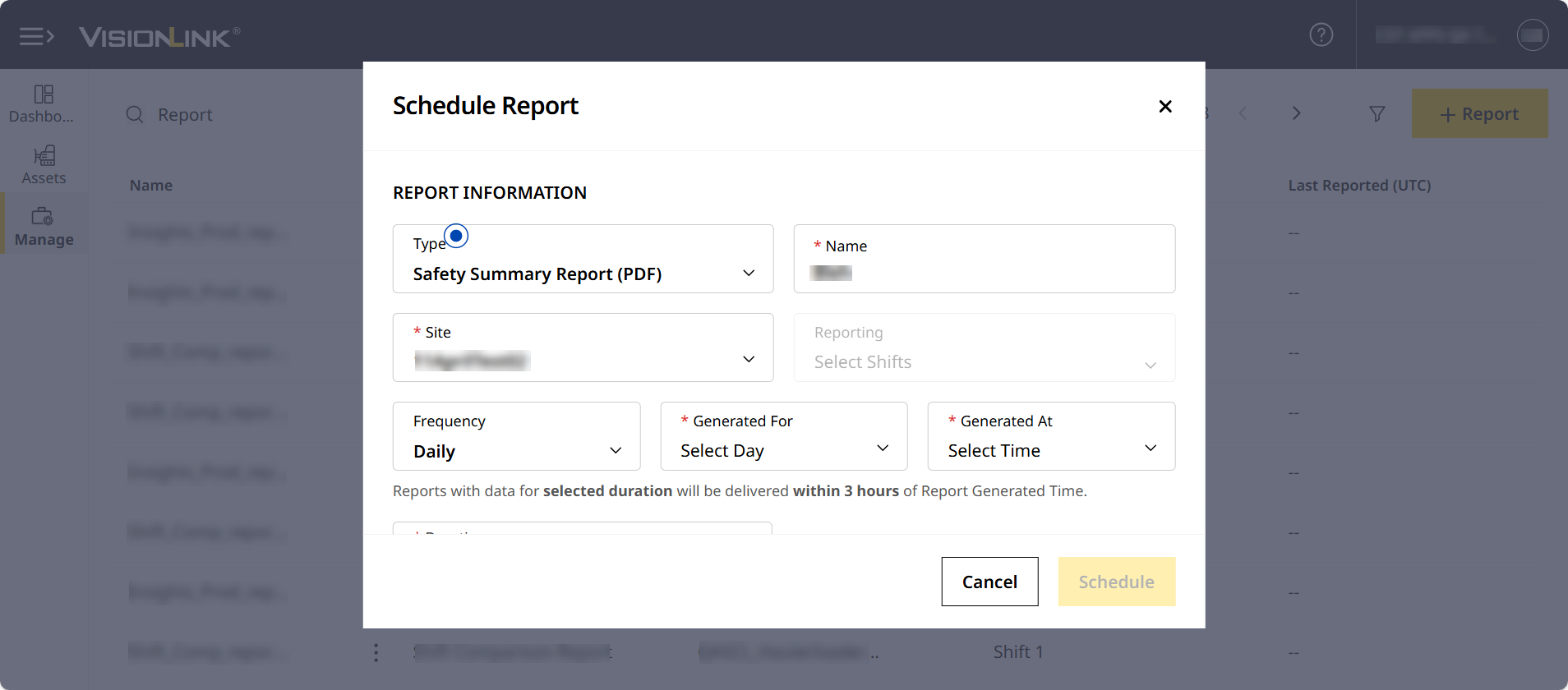
Schedule and Download Safety Summary Report
Generate a detailed Safety Summary Report to review seat belt and detection trends to inform decision making.
Explore and Track Your Assets’ Safety Data
View asset specific data in the following locations:
-
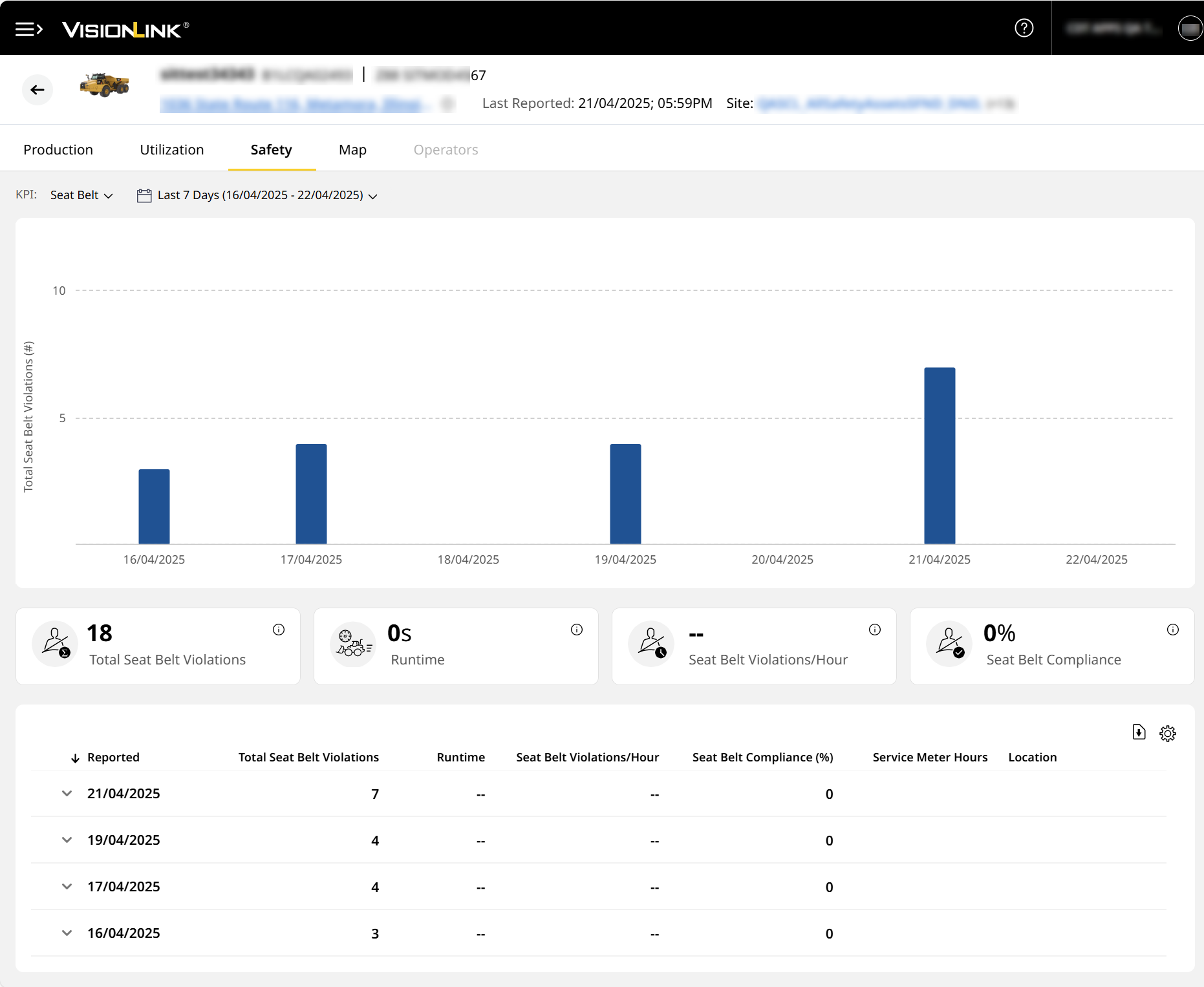
On Safety (Asset), view individual asset safety data in chart, KPI card and tabular form.
-
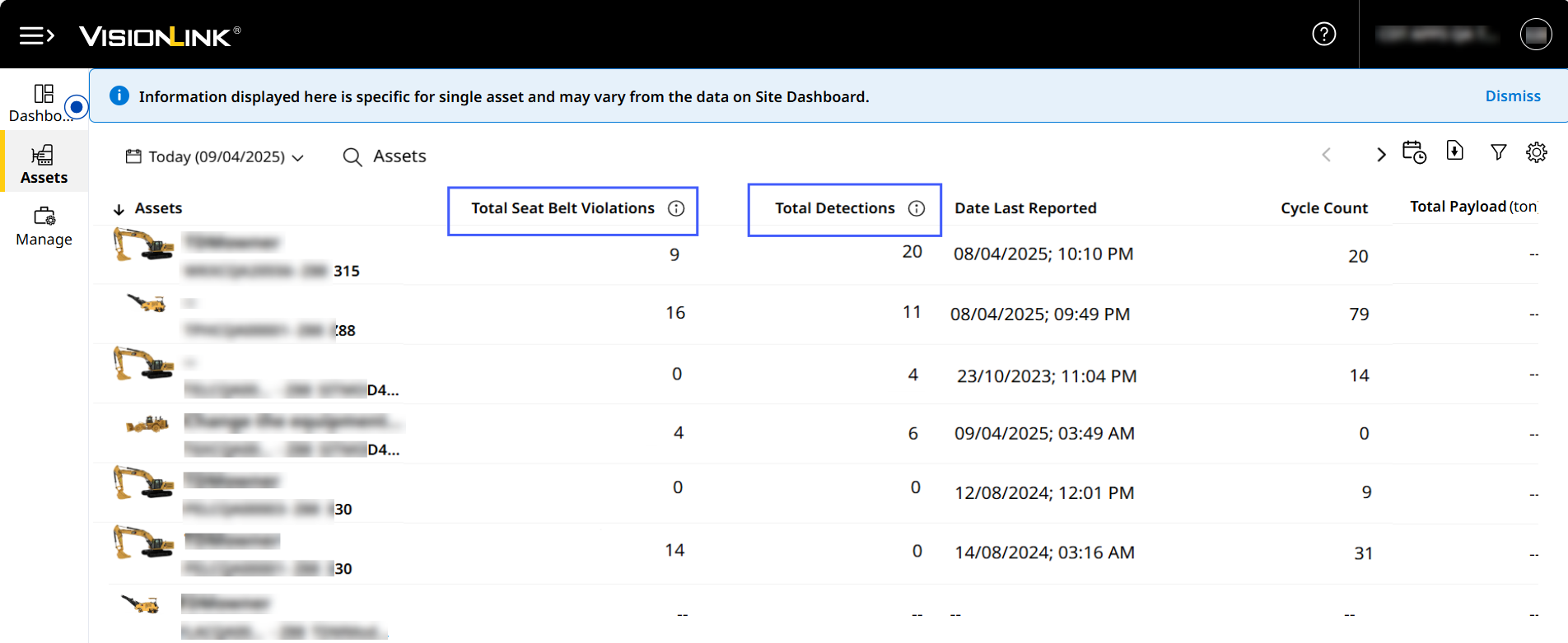
Assets displays Total Seat Belt Violations and Total Detections in tabular columns and filters.
-
View seat belt and detect events on a site map on Map (Asset).
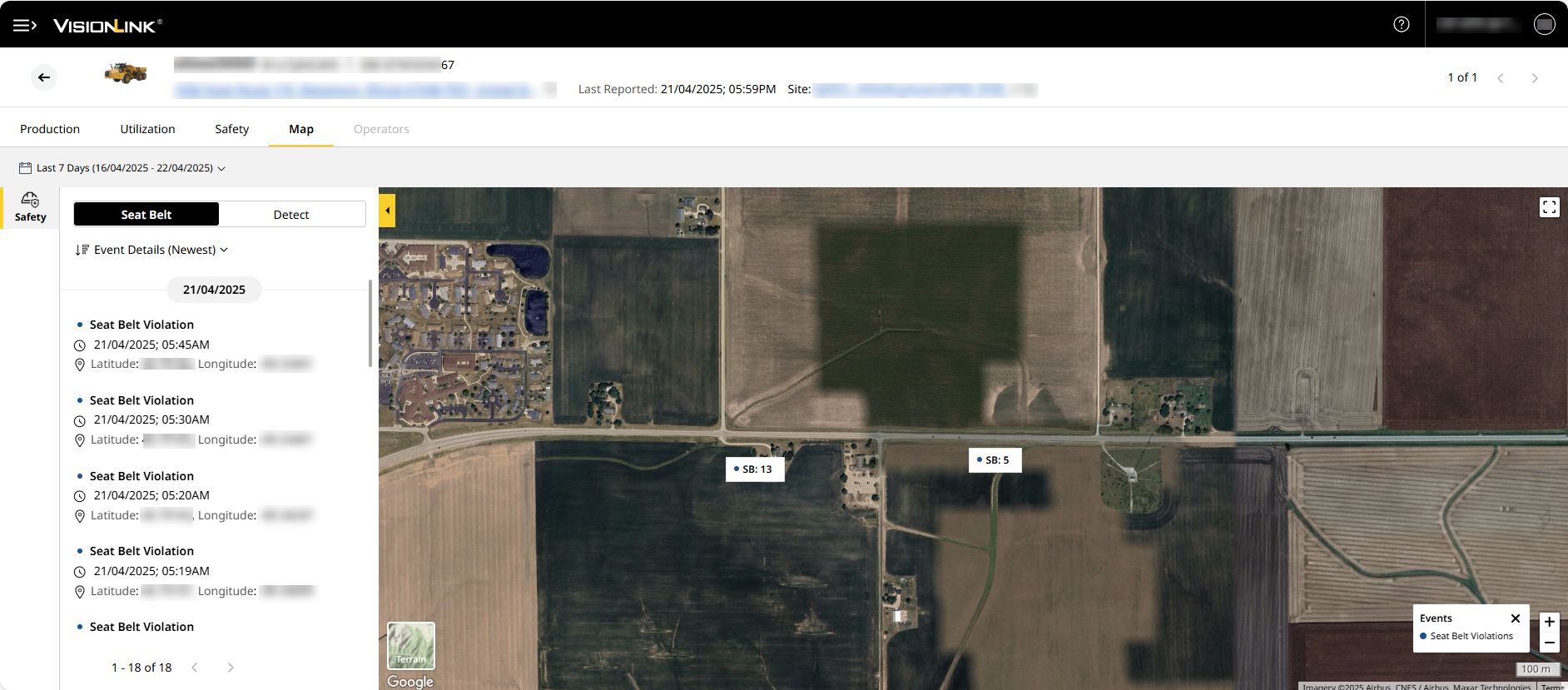
Quickly Access Respective Site and Asset Tab
Easily navigate from Site Summary to Asset Details Dashboard to view and analyze respective asset details. Also, quickly return to Site Summary from Map (Asset) tab to seamlessly track and analyze data.

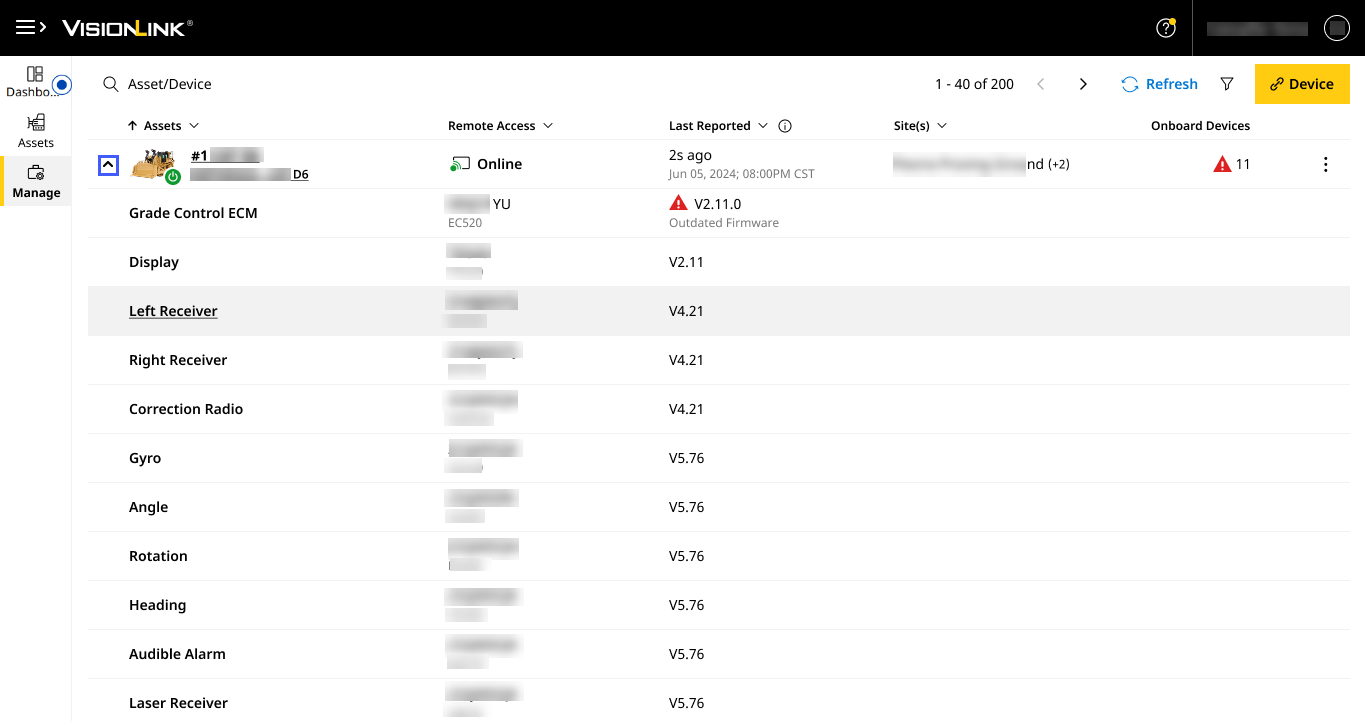
View All Linked Devices Nested Under Paired Assets
On Grade Control Systems, with the new drop-down view for every paired asset, easily and quickly identify the outdated firmware and find missing grade devices that may have been moved between assets.
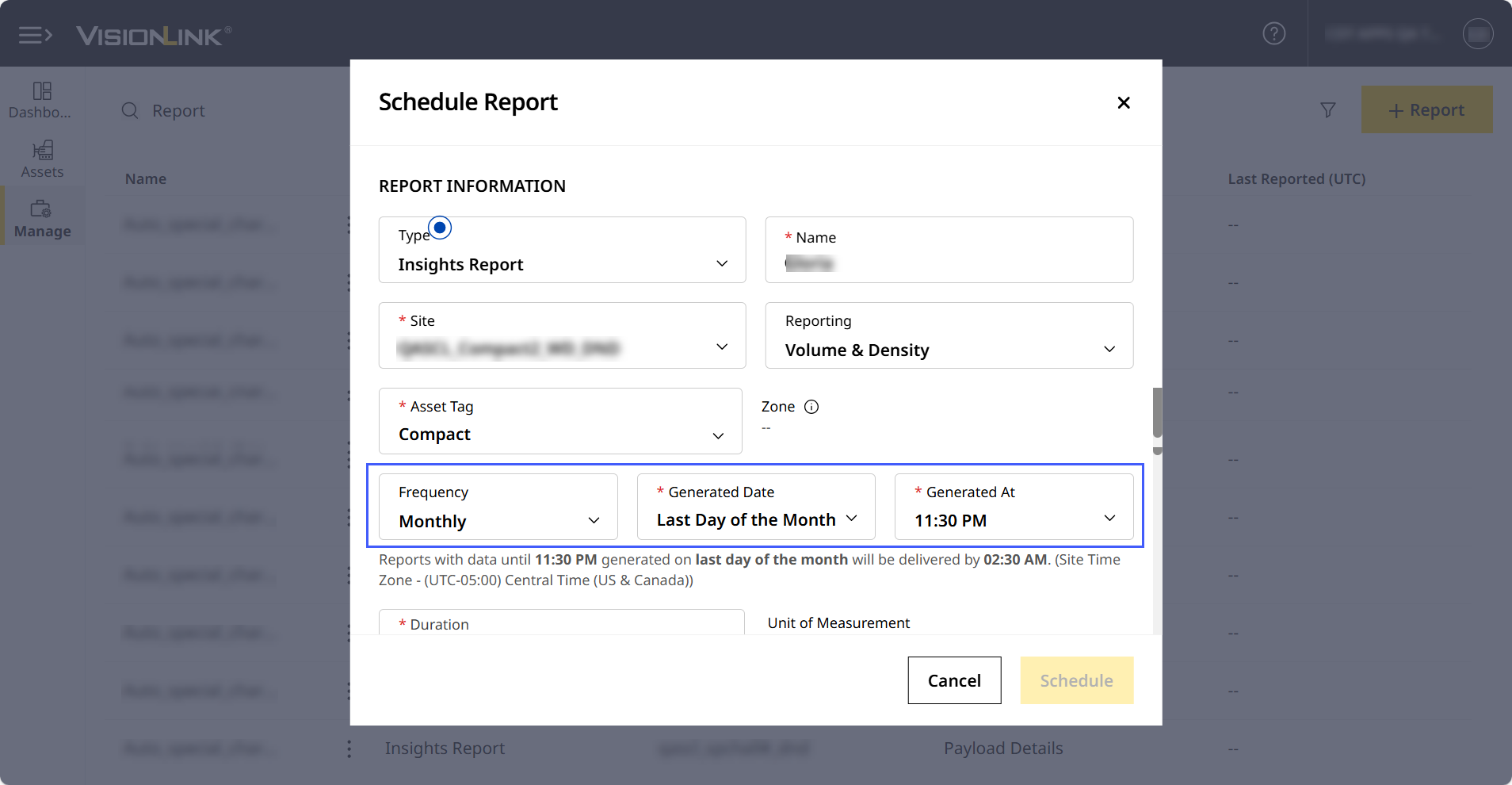
Schedule Monthly Reports for Volume & Density Data
Receive and view monthly report on volume & density data for Grade and Compact asset tags for informed decision making.
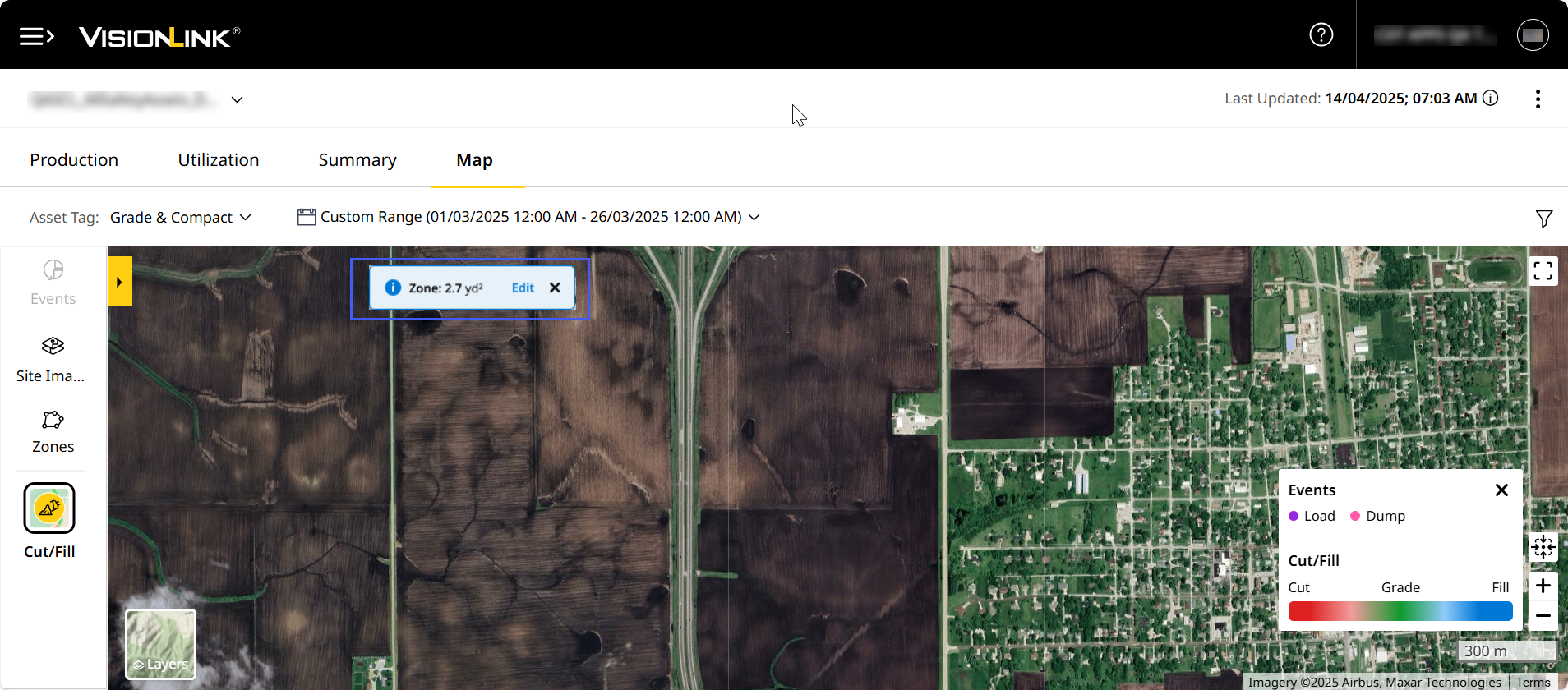
View Zone Area Units in Square Yards or Meters
View custom zone areas in square yards (yd2; US Imperial) or square meter (m2; standard SI unit) on Map (Insights) for enhanced data precision. This is also visible in scheduled and downloaded Insights reports displaying map-wise data.
Check out the Latest Guided Tours and Contextual Assistance
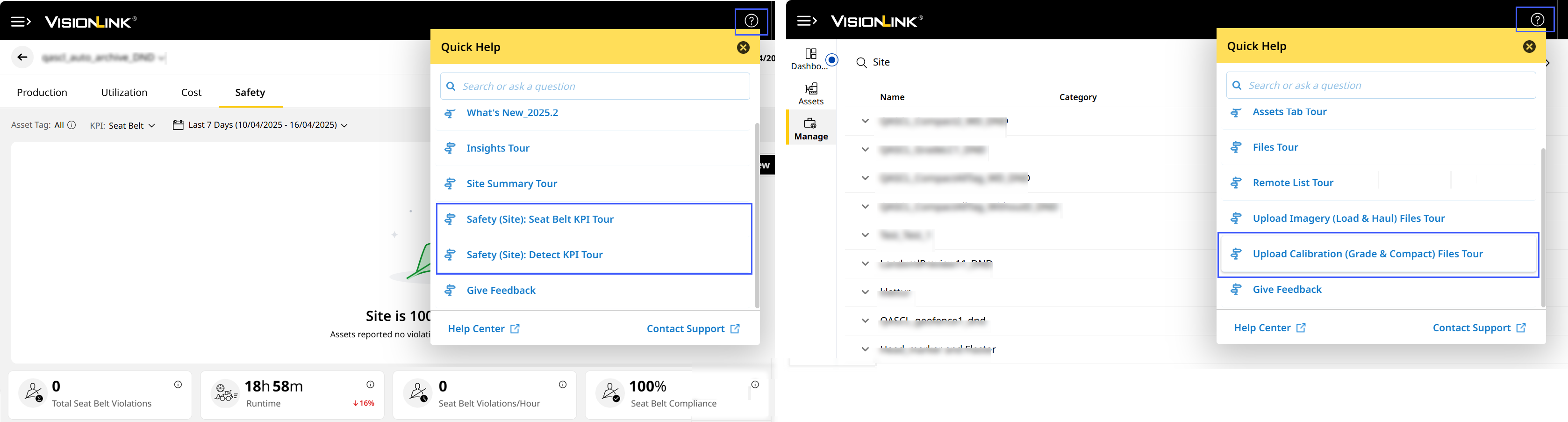
Learn more about safety and file management with the following guided tours and contextual assistance:
- Uploading calibration file to a site for Grade and Compact assets.
- Tracking Seat Belt and Detect KPIs on Safety (Site).
- Accessing Safety Dashboard from the side menu.
- Navigating from Safety (Site) to Safety (Asset).
- Selecting Safety Summary Reports when scheduling a report.
Fixed Unsorted Date List Issue: CPI 558549
Under Last Session in Users, the date list didn't appear sorted, even after sorting when preferences were set to DD/MM/YYYY format. The backend team has resolved the issue and the dates now display correctly as expected.