August 2025
Access Asset’s Equipment Management Details
Easily access the respective asset’s details by clicking Equipment Management on Asset Details Dashboard.

Replace Calibration File Without Recreating Projects
Now, update the calibration file and access it on Files within an existing site. This offers flexibility to change the .cal file early in the planning stage, thus saving time and simplifying workflows. 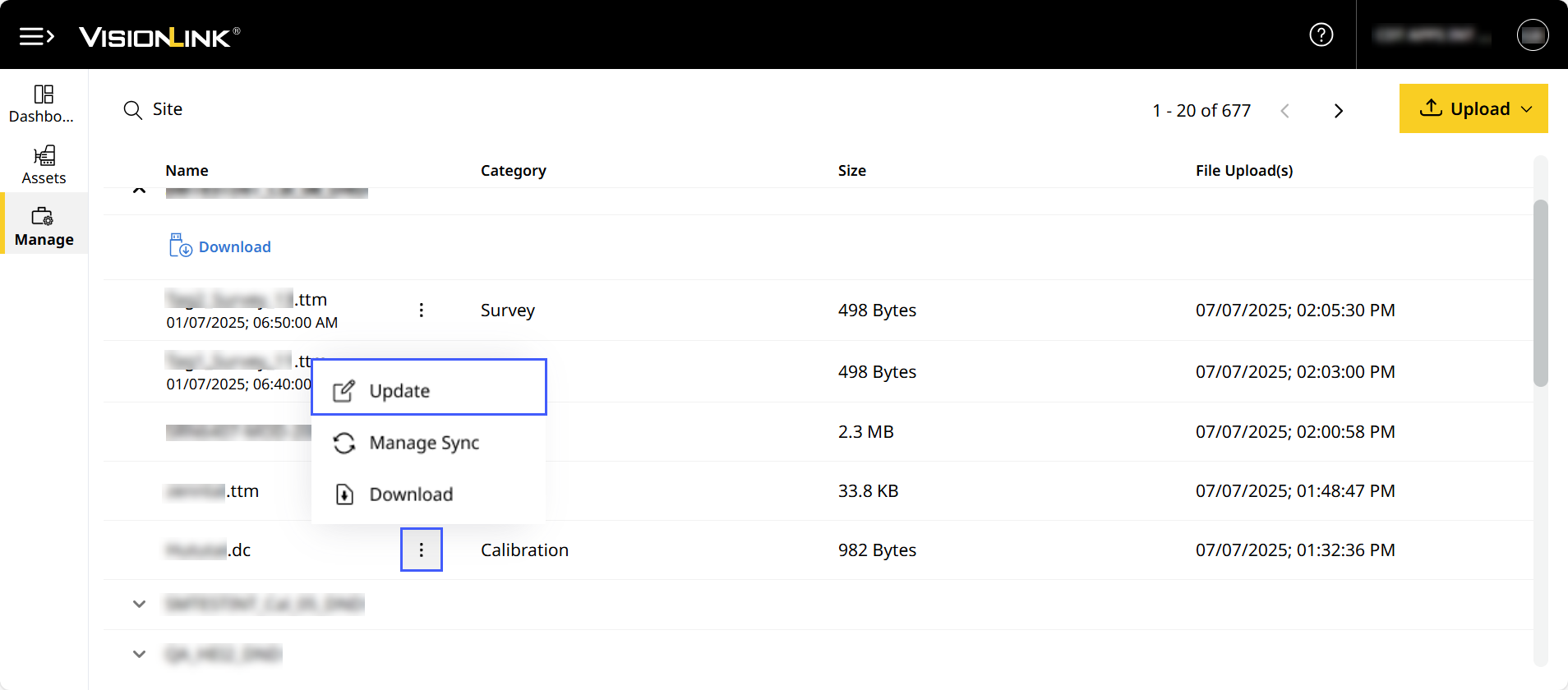
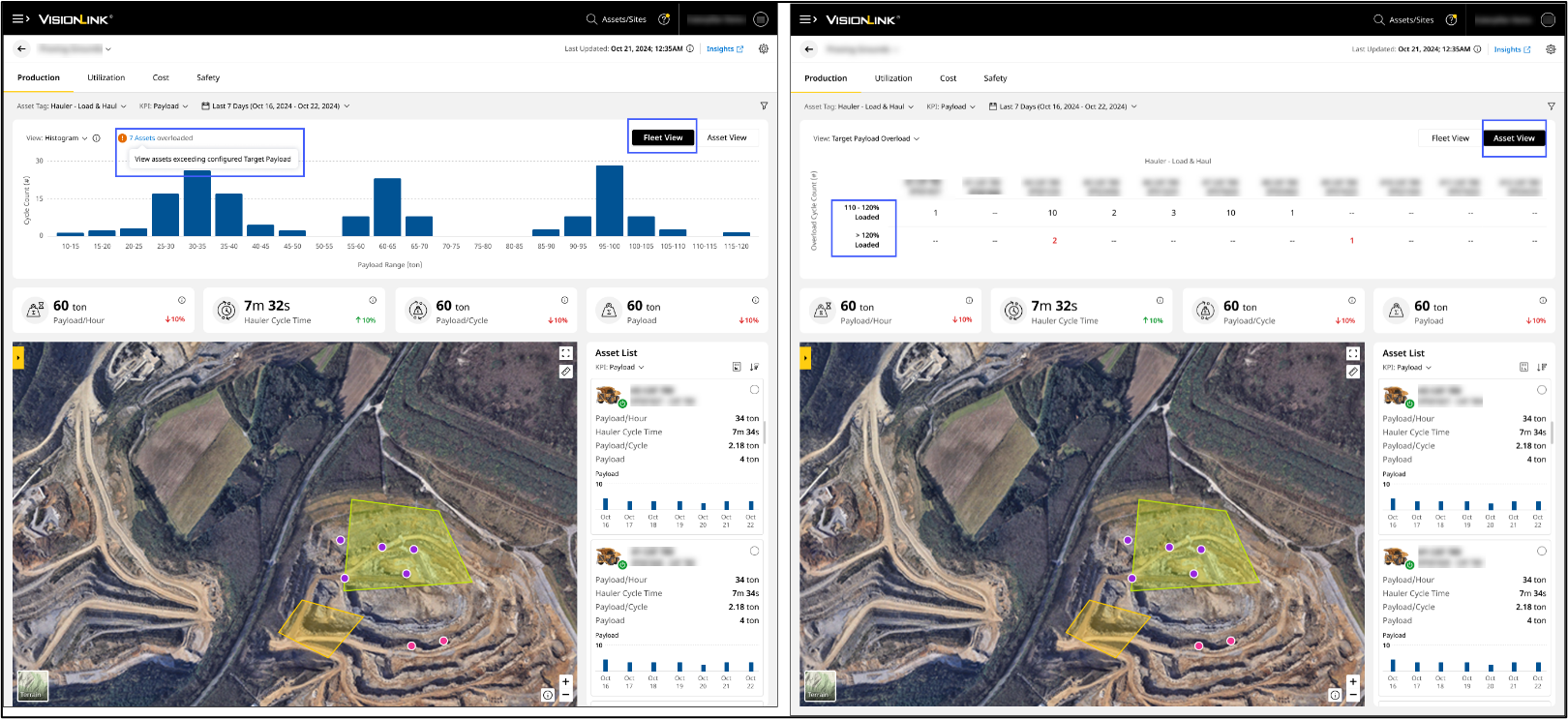
Monitor Overloading Events for Hauler Assets
Now, visualize instances of target payload overloading for Hauler – Load & Haul assets. This displays instances of assets beyond 110% or 120% of the specified limit to help optimize asset health.
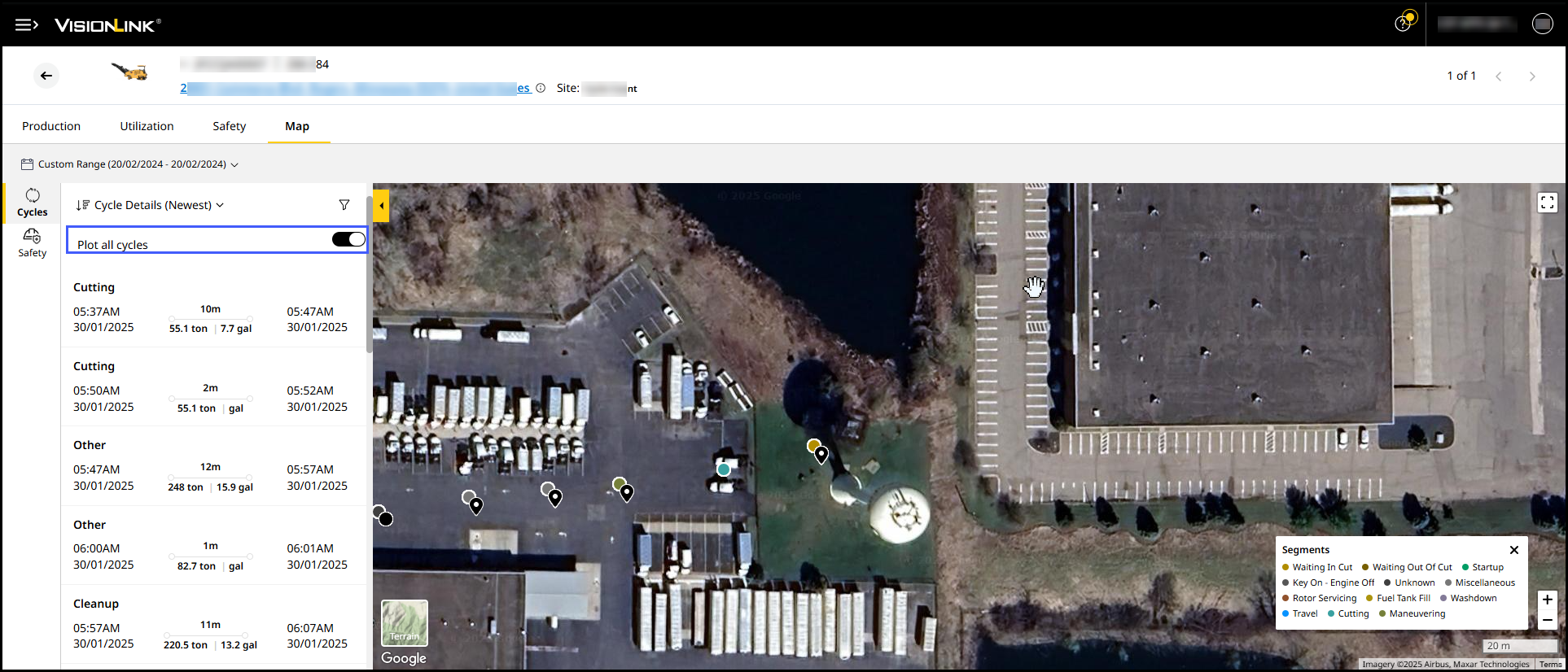
Visualize Multiple Cycle Segments Data for a Single Day
Now, view and track all cycle segments in detail for motor grader and cold planer assets across a single day on Map (Assets).
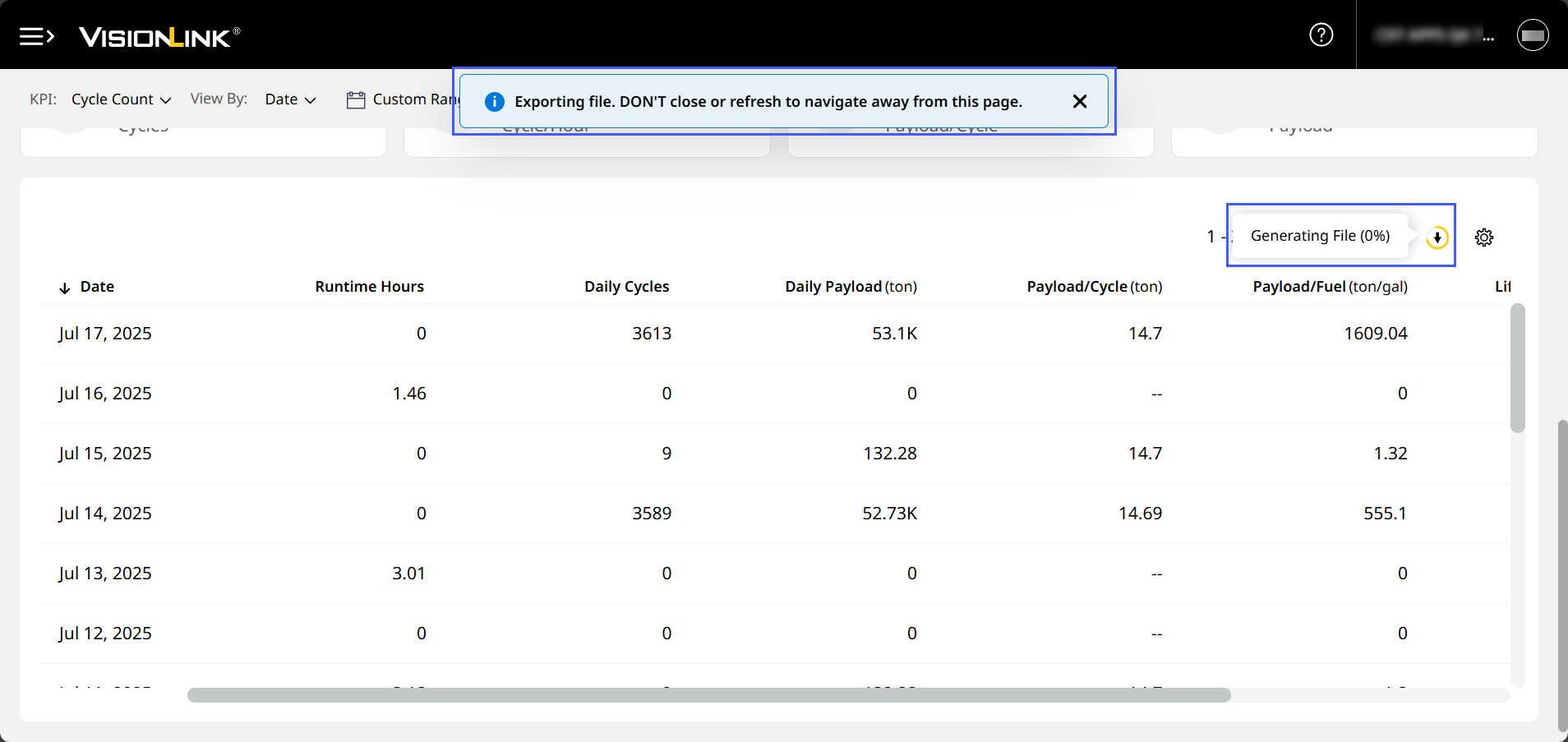
Download (Asset) Production Data for a Period of up to 31 Days
Now, download an asset’s payload details or cycle details for a period up to 31 days. This helps you analyze month-wise and week-wise trends of your asset’s performance.
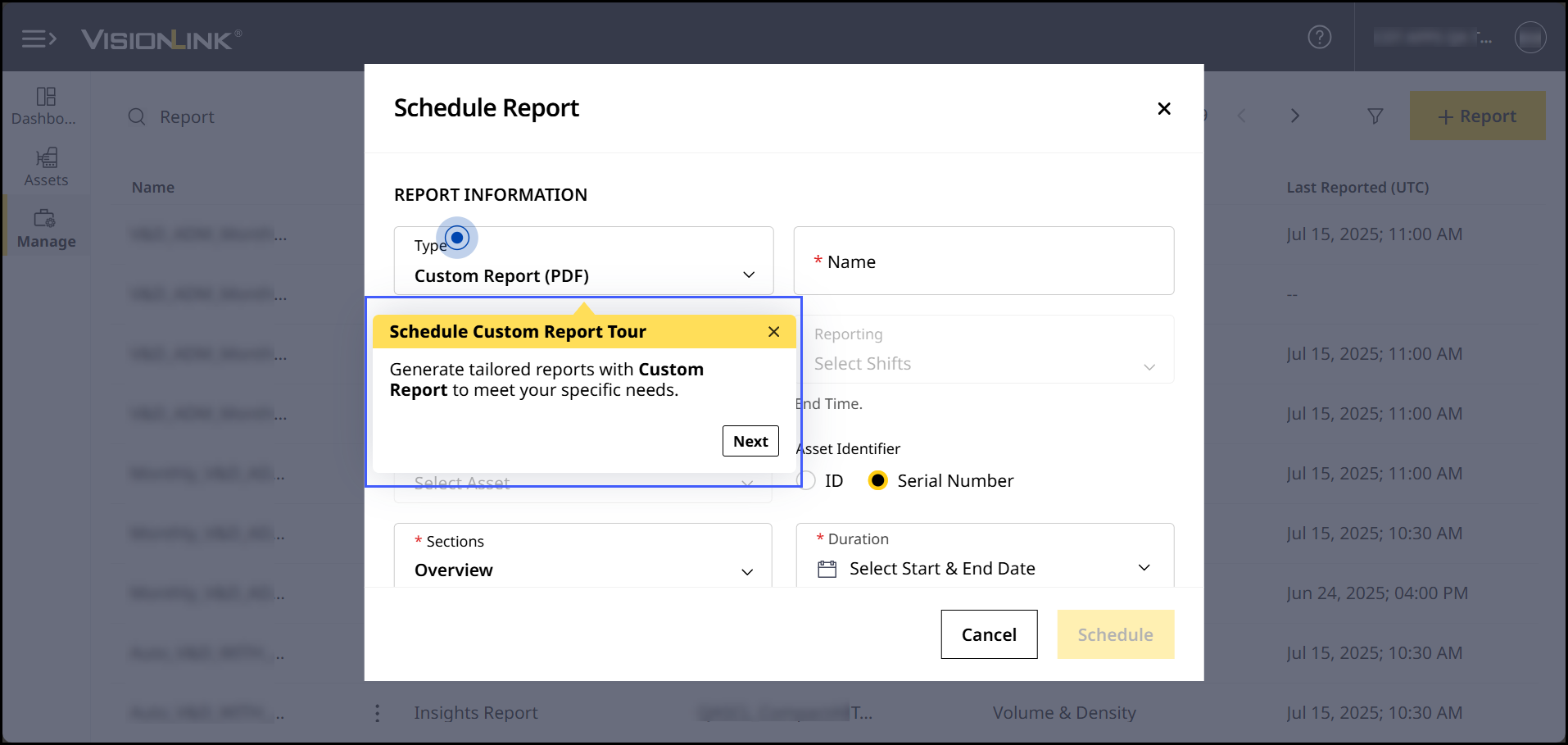
Learn How to Schedule a Custom Report
With the new Schedule Custom Report Tour under Quick Help, master how to schedule a custom report.
Resolved Discrepancy in Cycle Count on Production (Site), Production (Insights) and Insights Reports: CPI 564892 and CPI 562659
On Production (Site), Production (Insights) and Insights Report, the displayed cycle counts were inconsistent. This was due to an issue in processing and retrieving data. It has been fixed and the counts now accurately display.
Fixed Admin Access Issue: CPI 564890
For a few accounts (CCIDs), those with Admin access couldn’t add users. The backend team has resolved this issue and Admins can add users as expected.
Resolved Incorrect Display of Total Runtime: CPI 564817
On Grade Control Systems, the Total Runtime values were incorrectly displayed in minutes without proper conversion to hours. The issue has been resolved to display accurate values in hours.
Rectified Incorrect Japanese Translations: CPI 563994
On Production (Site), Payload was incorrectly translated in Japanese. This issue has been fixed and the text appears correctly as expected.
Fixed Measured Payload Not Displaying on Production (Insights): CPI 563355
On Production (Insights), Measured Payload values were not displayed. This was due to a backend issue which has been resolved.
Resolved Display of Null Value for Hauler and Loader’s Payload KPI Issue: CPI 562735
On Production (Site) map view, payload KPIs for hauler and loader assets of geofence displayed null values. This occurred due to an issue in data processing, which has been fixed.
Rectified Incorrect Default Map Location Display on Safety (Asset): CPI 562007
On Safety (Asset), the default map location view displayed the incorrect location. This issue occurred for assets that were:
- 100% Seat Belt compliant
- Unable to report Seat Belt violations.
This issue has now been fixed and the map locations correctly display as expected.