List View
Display all sites in a list format to view all selected KPI data in one glance.
Helpful if you want to view multiple sites without needing to change pages.
To enable List view:
-
Switch views using grid
 or map
  . Select List
  .
.
-
This displays all site cards in list view.

• Each site row lists overall production and utilization percentage, cycles/hour and total number of assets available.
• You can also select data for today, yesterday and last seven days in the same row.
• The functionality in Sites Dashboard remains the same for both List and Grid view. -
Select a site to navigate to its Site Summary and view production, utilization and cost details.
If you navigated to other pages and returned back here, the selected List view will remain.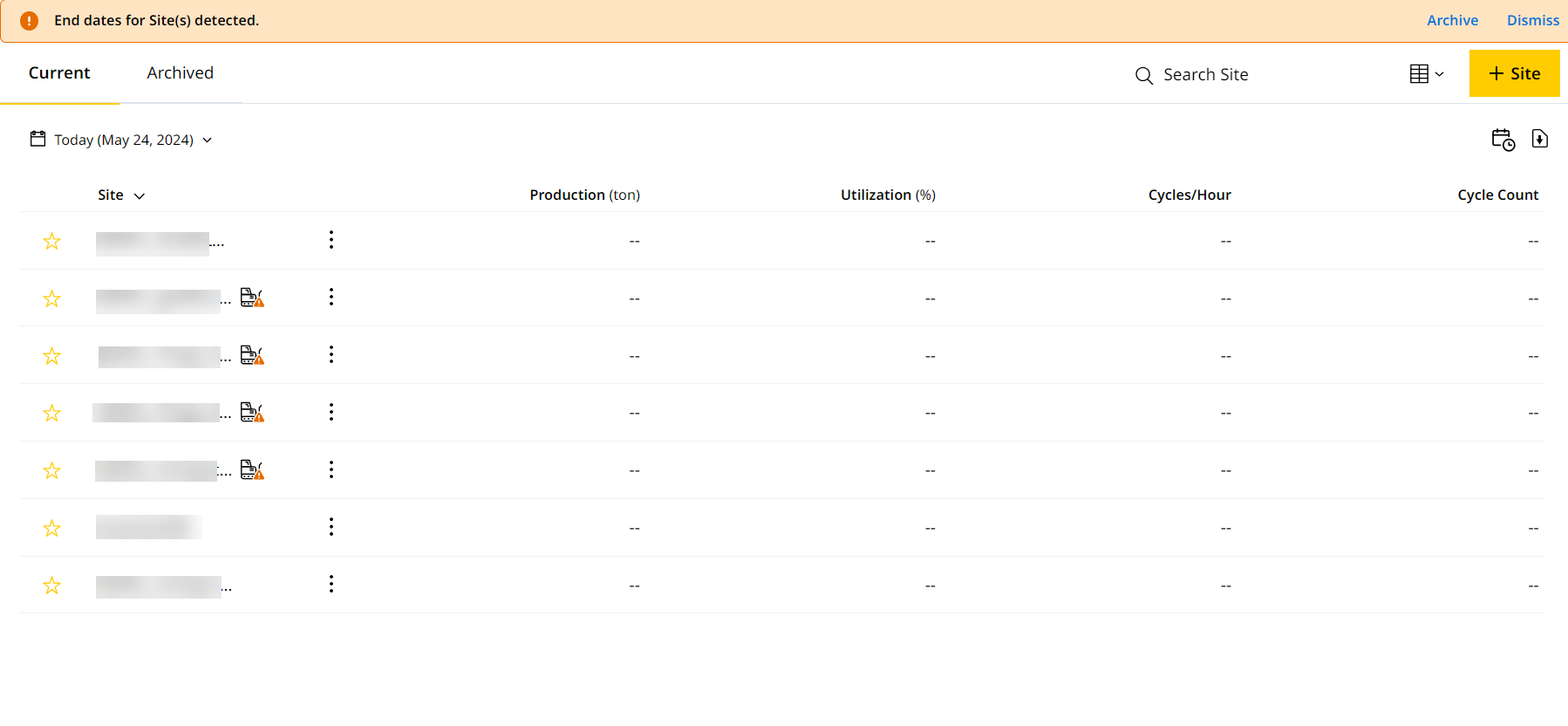
-
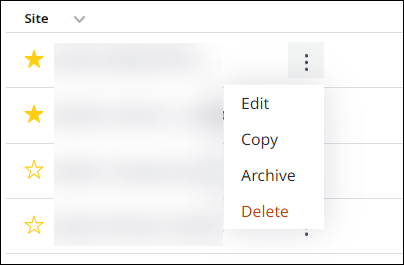
Click more options
 to view more options for sites. Use these options to manage the site.