Copy Report
To copy a new report using existing details:
-
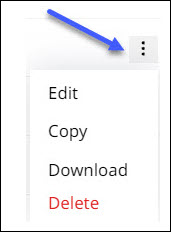
Click more options
 against the report you want to copy and open the options list.
-
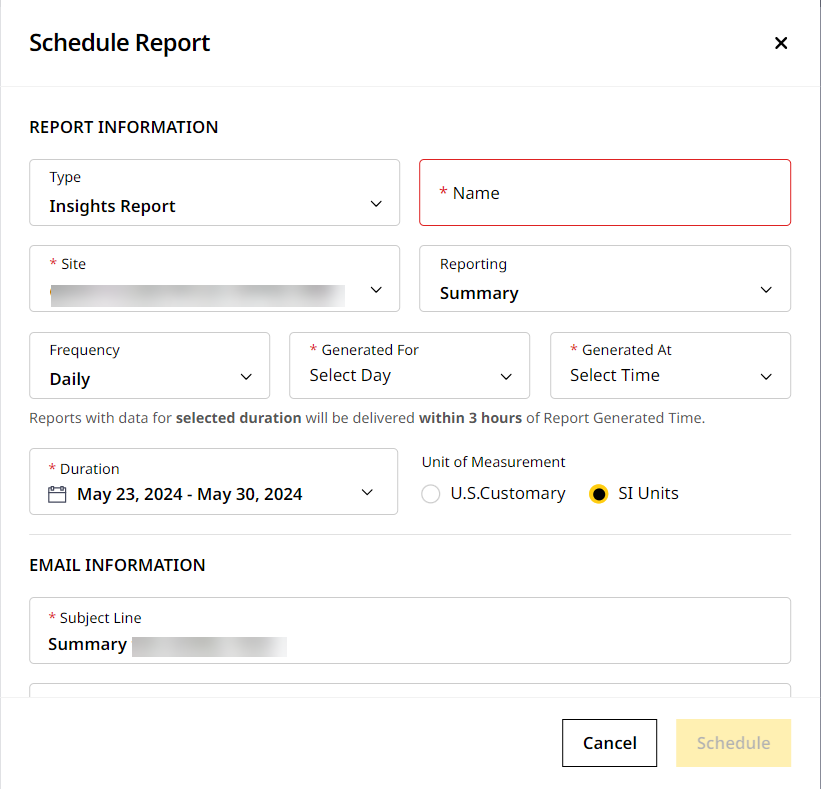
Click Copy to open Edit Scheduled Report for the newly copied report. Apart from the report Name, all other fields match the original report.
-
Enter the report Name. It should be unique and match the given criteria. Refer to Schedule Report for more information.
-
Change the start and end dates under Duration to the current date range as the original report is scheduled for older dates.
-
Make changes if required and click Schedule to proceed.
-
The newly copied report appears on the top of the list in Reports.