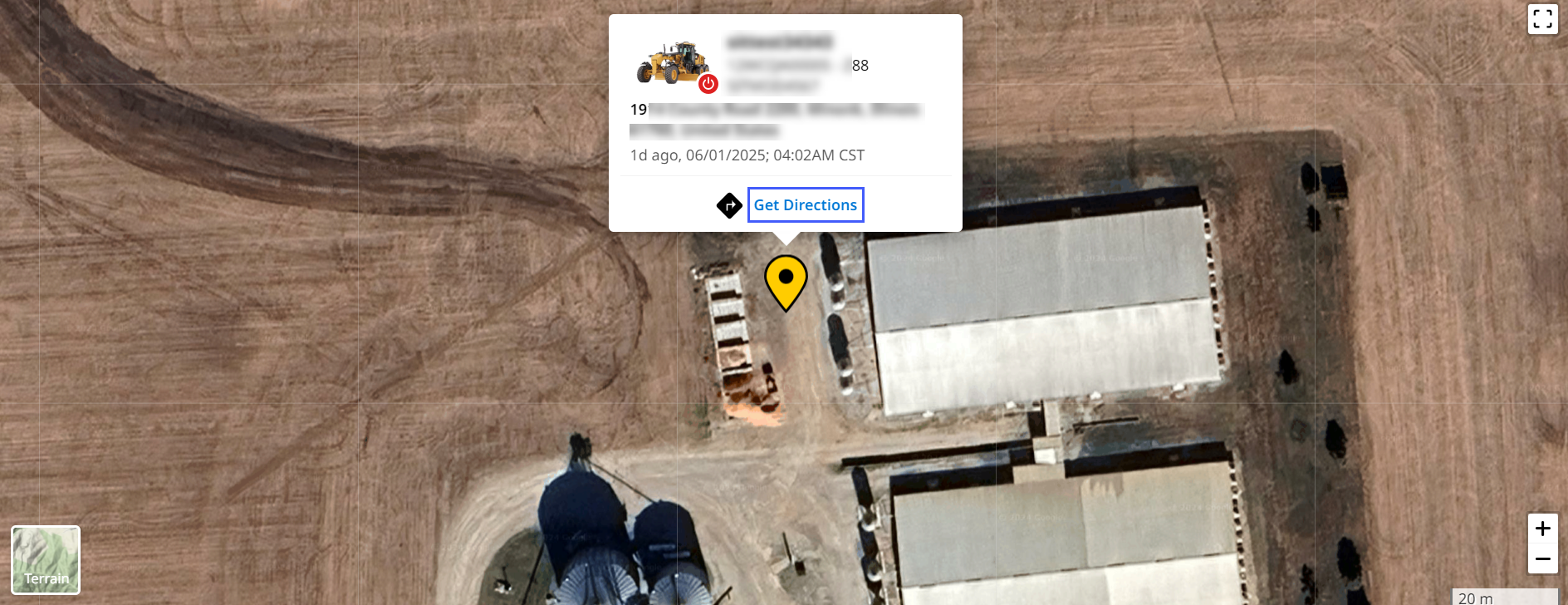
Locate Asset
This option helps you find where your asset is currently located (within or outside your site). It also helps you reach the asset if needed.

This option is only available if the asset’s Remote Access status is Online  .
.
To view the asset’s location:
-
On Grade Control Systems, click more options
 > select Locate Asset.
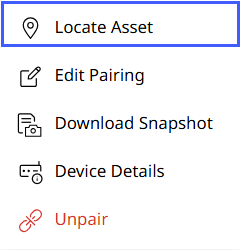
-
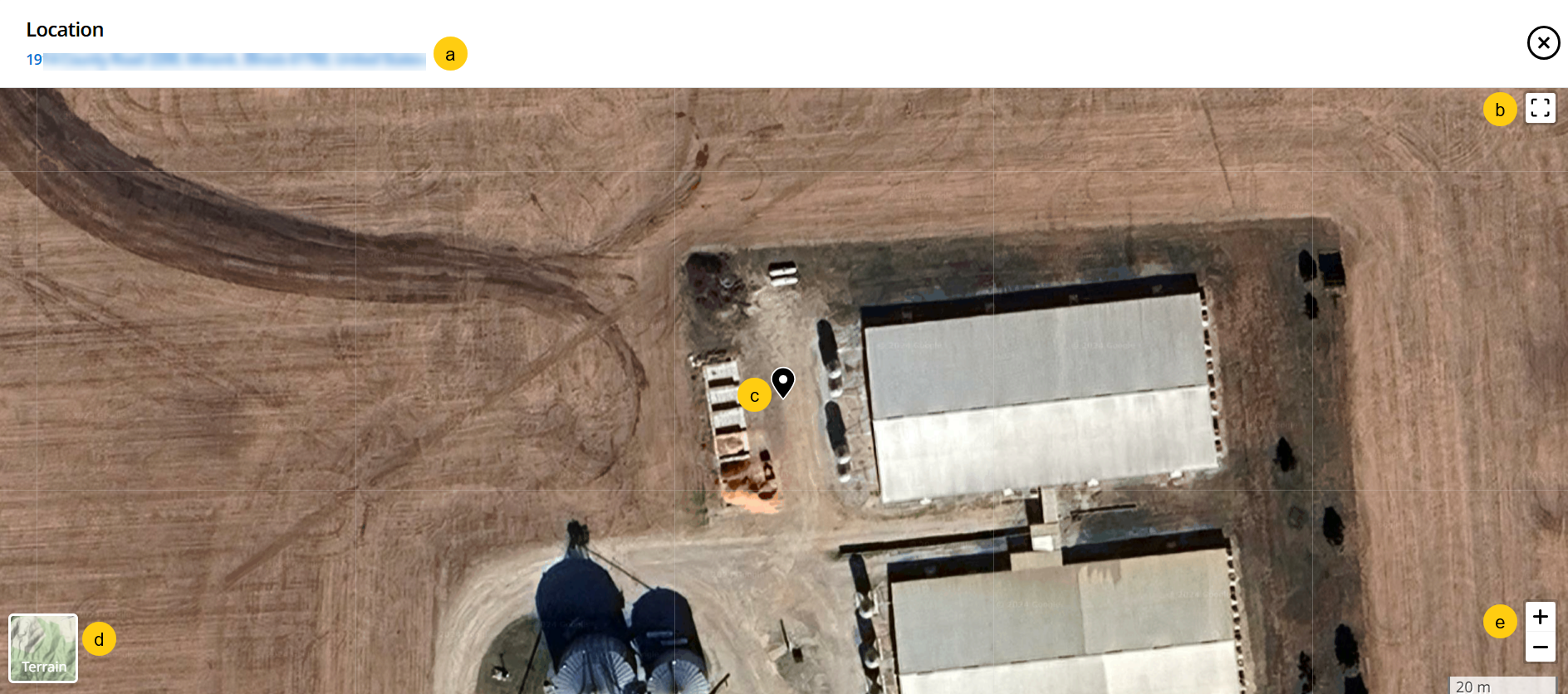
This displays a map view of the location where the asset was last reported. You can view the following here:
-
Address
-
Full screen view
-
Asset location pin
-
Terrain/Satellite view (click to switch between the two)
-
Zoom in/zoom out
-
-
Select the pin to view the asset details, address, last reported time. Click Get Directions to launch Google Maps and calculate a route to the asset.