Delete Report
-
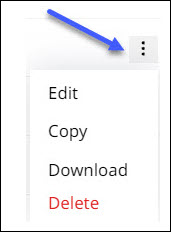
Click more options
 against the report to be deleted and open the options list.
-
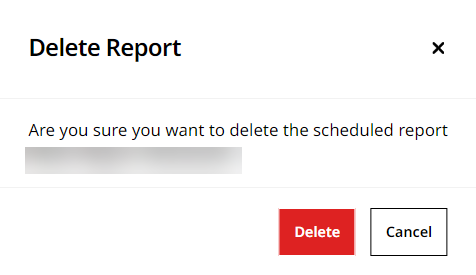
Click Delete and then Yes in the Delete Report to delete the report.
-
This displays the success message once the report is deleted.
Click more options against the report to be deleted and open the options list.
Click Delete and then Yes in the Delete Report to delete the report.
This displays the success message once the report is deleted.